Calculate session load
Turn workout duration and perceived effort into session load in AU.
Open resourceCoaching resources
Training load is the work an athlete completes and how demanding it feels. Use session RPE to record that demand, ACWR to put recent load in context, and weekly planning to balance training, matches and recovery. These tools support coaching decisions; they do not predict or prevent an individual injury.
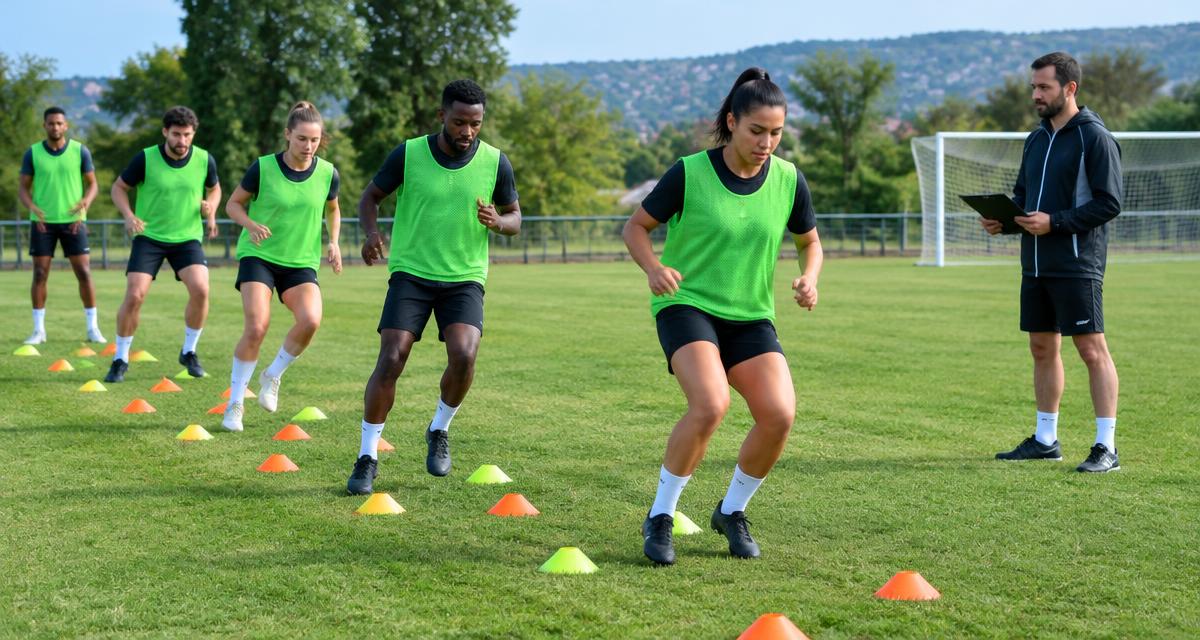
Turn workout duration and perceived effort into session load in AU.
Open resourceCompare recent workload with your baseline—and understand what the ratio cannot tell you.
Open resourceBring athlete reports, workload review and weekly planning into one routine.
Open resourceSession RPE (sRPE) combines the duration of a session with the athlete’s rating of its overall effort. Collect the athlete’s own rating consistently, rather than replacing it with the coach’s intended intensity. Include matches, conditioning and other relevant sessions.
Session load = duration in minutes × session RPE
Worked example: a 60-minute session rated 6 out of 10 produces 360 arbitrary units (AU). This is an estimate of internal load, not a measure of every physical demand.
Use the free sRPE calculator to calculate a session, then compare an athlete with their own history—not simply with another player.
FitLoad compares the last 7 days of load with a weekly baseline calculated from the last 28 days (28-day total divided by four). ACWR is the recent load divided by that baseline. For example, 1,200 AU against a 1,000 AU baseline gives a ratio of 1.20.
Check the underlying sessions as well as the ratio. Missing reports, a return after time off, and an incomplete baseline can change its meaning. A low or zero baseline makes the ratio unstable or unavailable.
The ACWR guide explains the calculation and interpretation. No ACWR value is a medical clearance, a universal safe zone, or proof that an injury will occur.
See the FitLoad coach guide for a workload-monitoring and planning workflow.
Review sleep, fatigue, muscle soreness, stress and reported pain alongside training history. Injury has multiple contributing factors, including previous injury and sport-specific demands. Workload monitoring can support a conversation, but it cannot replace assessment by a qualified healthcare professional.
New, persistent or worsening pain deserves attention even when workload numbers look ordinary. Do not use a dashboard score to clear an athlete for play.
Record duration and effort, then build a consistent history for each athlete.
Calculate sRPE